Claude Code
Adds Unitley to the current project. Add --scope user to use it in every project. Check it with /mcp.
claude mcp add --transport http unitley https://console.unitley.com/api/mcp --header "Authorization: Bearer YOUR_UNITLEY_TOKEN"Recommended
Connect Claude Code or Claude Desktop to Unitley's MCP server and ask in plain words. Claude does the thinking on your own Claude plan; Unitley supplies the slate, the prices, the math and your bankroll, and Claude shows its working.
01Why Claude
Claude is good at weighing a question. Unitley gives it the facts and the math to weigh, and the rules to stay inside.
02Set it up
This is the console's Connect to Claude page, step for step. Here the setup shows YOUR_UNITLEY_TOKEN; on the page, the token you create fills in for you.
Sign in to the console, which also creates your account. Setup asks how you will run Unitley (pick “Claude, on my Claude subscription”) and for your bankroll. Then open Connect to Claude in the menu.
Under Create a token, give it a name (Claude is filled in). Tick “Let it log bets, settle them and save picks” only if Claude should save to your account: without it, Claude can read your data and run the calculators, but cannot change anything. Under Expires after, keep 30 days or pick 90 days, 180 days or 1 year, then press Create token.
This is the only time Unitley shows it, because Unitley keeps only a hash of it. Press Copy token and keep it like a password. While it shows, the setup below includes it, so copy your app's setup before you press “I have saved it. Hide it.”: hiding it puts YOUR_UNITLEY_TOKEN back in its place.
Under Set up your app, pick Claude Code or Claude Desktop, and copy its setup:
Adds Unitley to the current project. Add --scope user to use it in every project. Check it with /mcp.
claude mcp add --transport http unitley https://console.unitley.com/api/mcp --header "Authorization: Bearer YOUR_UNITLEY_TOKEN"Open Settings from the Claude menu, then Developer, then Edit Config. Add this to claude_desktop_config.json (merge it into mcpServers if you already have one), then restart Claude Desktop. Needs Node.js, which runs the mcp-remote bridge.
{
  "mcpServers": {
    "unitley": {
      "command": "npx",
      "args": [
        "-y",
        "mcp-remote",
        "https://console.unitley.com/api/mcp",
        "--header",
        "Authorization:${AUTH_HEADER}"
      ],
      "env": {
        "AUTH_HEADER": "Bearer YOUR_UNITLEY_TOKEN"
      }
    }
  }
}Start a chat and ask about the coming games. Your app shows each Unitley tool Claude calls, so you can see where each number came from. You can revoke the token on the same page at any time.
03What to ask
Claude picks the tools for the question. A few to start from, and what each one reaches for:
get_week_slate, prices each game with get_game_odds, and sizes any bet it likes with calc_kelly_stake after get_bankroll.get_line_movement for the first, longest, shortest and current line, and get_injury_report, which is updated about twice a day and leaves out game-day inactives.get_game_weather: kickoff temperature, wind, gusts, rain and snow, with closed and retractable roofs flagged. Forecasts start 7 days out.get_player_props, the combined odds and EV from calc_parlay, and the correlation risk of legs on one game spelled out.calc_ev, then a stake in units from calc_kelly_stake, never more than your caps and loss limits allow.log_bet records it as pending. A moneyline, spread or total on a game Unitley tracks settles itself after the final score. Needs a token with write access.Unitley's MCP server also offers 3 ready-made prompts. Pick one from your app's list of prompts; in Claude Code, type it as a slash command.
Look for moneyline bets where your estimate beats FanDuel's price on the coming games, sized to your bankroll.
/mcp__unitley__weekly-moneyline-value
from optional: First day to look at (2026-10-07). Default: 6 hours ago.to optional: Last day to look at (2026-10-13). Default: 8 days ahead.sport optional: Sport id (nfl). Default: nfl.Build a small player prop parlay for one game, with the correlation risk spelled out. Same-game legs are correlated, so no stake is sized.
/mcp__unitley__player-prop-parlay
gameId required: The game's id, from get_week_slate.legs optional: Number of legs, 2 to 6. Default: 3.sport optional: Sport id (nfl). Default: nfl.Review your bankroll, recent results and how close you are to your loss limits.
/mcp__unitley__bankroll-check
period optional: today, week, month or all. Default: week.04In your console
With a write token, ask Claude to save a pick or log a bet, and it is there the next time you open Unitley, beside the ones you made yourself.
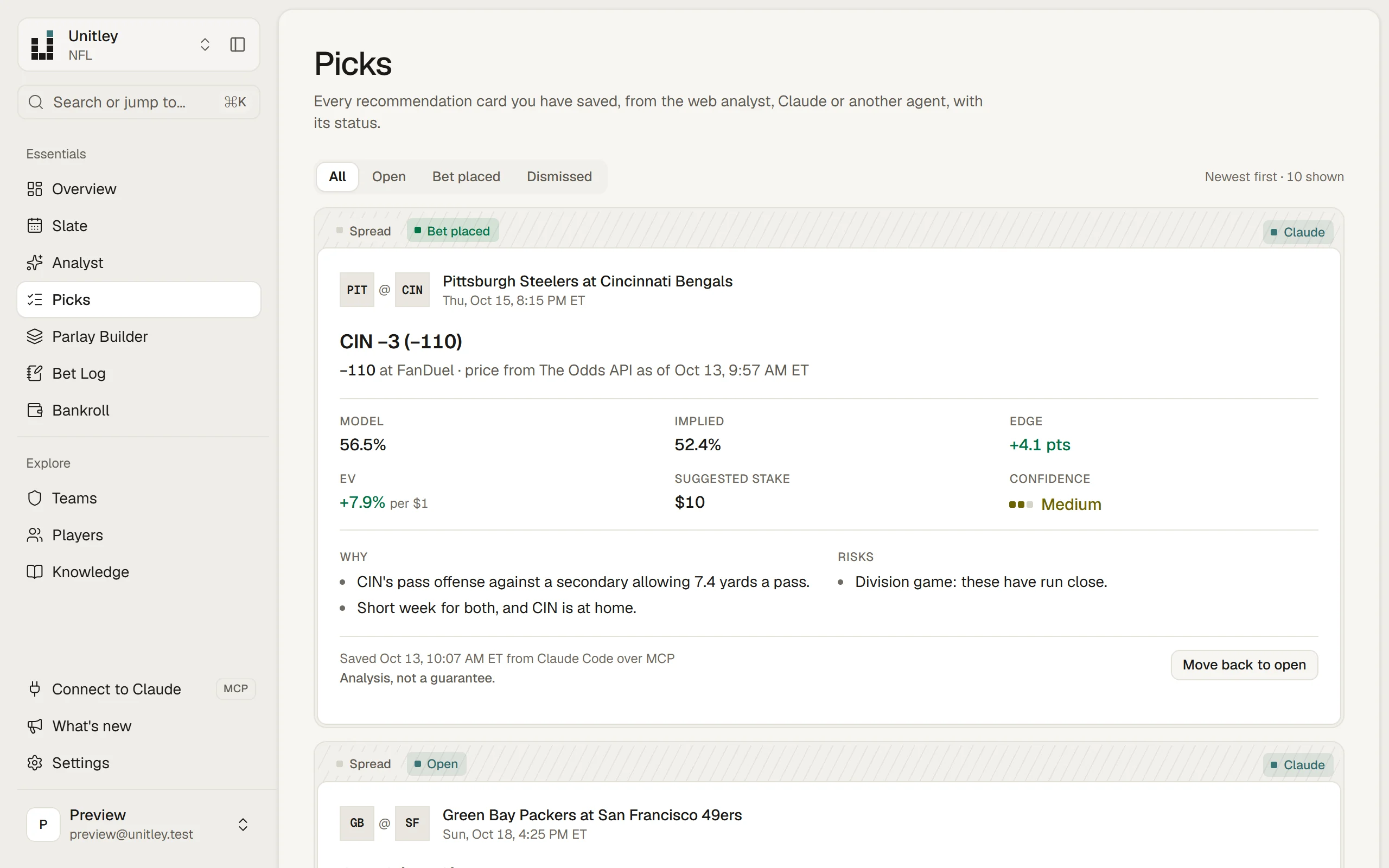
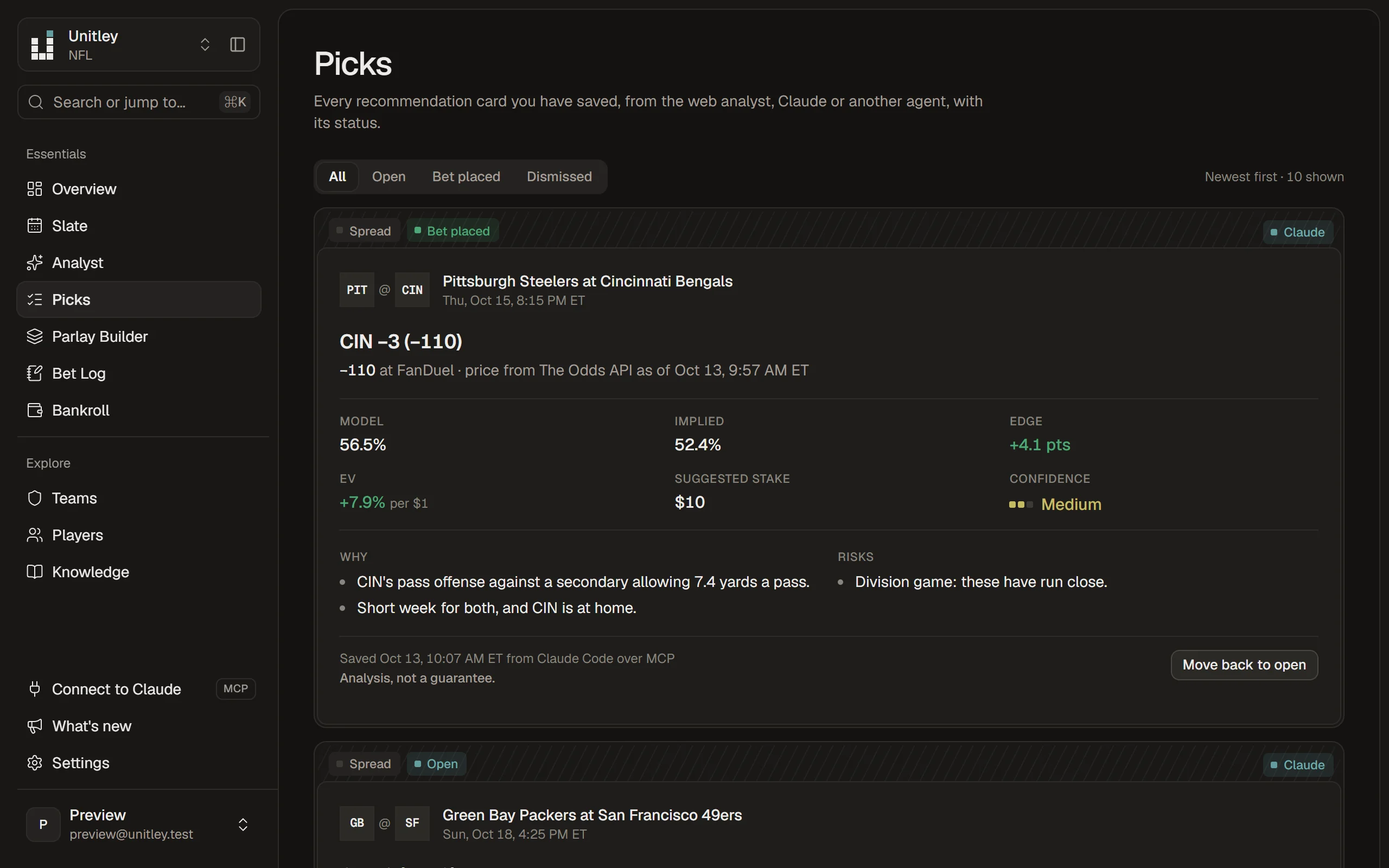
save_recommendation puts a pick card on your Overview and Picks page. Unitley works out the implied chance, edge, EV and stake itself, from the price, Claude's chance and your bankroll.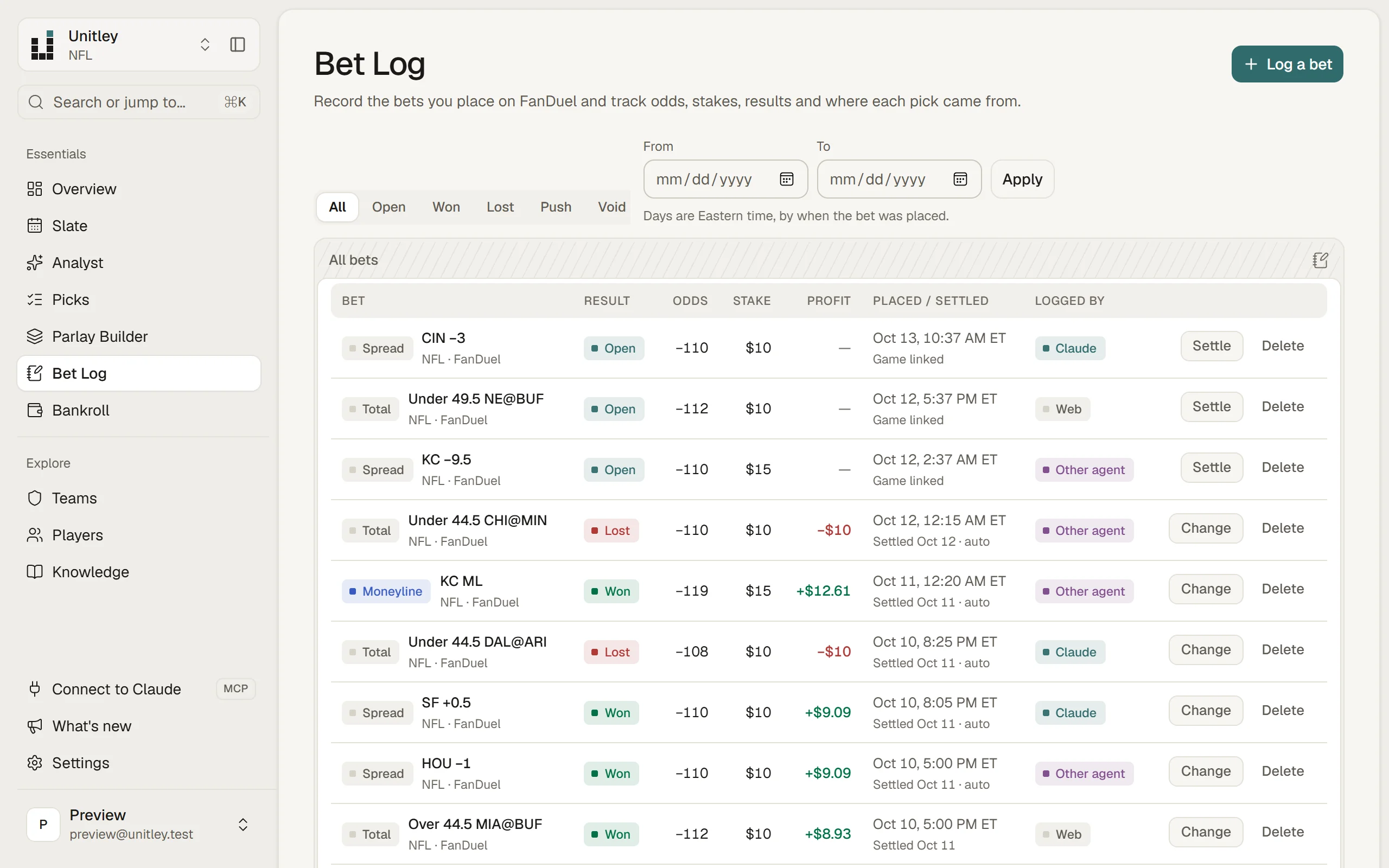
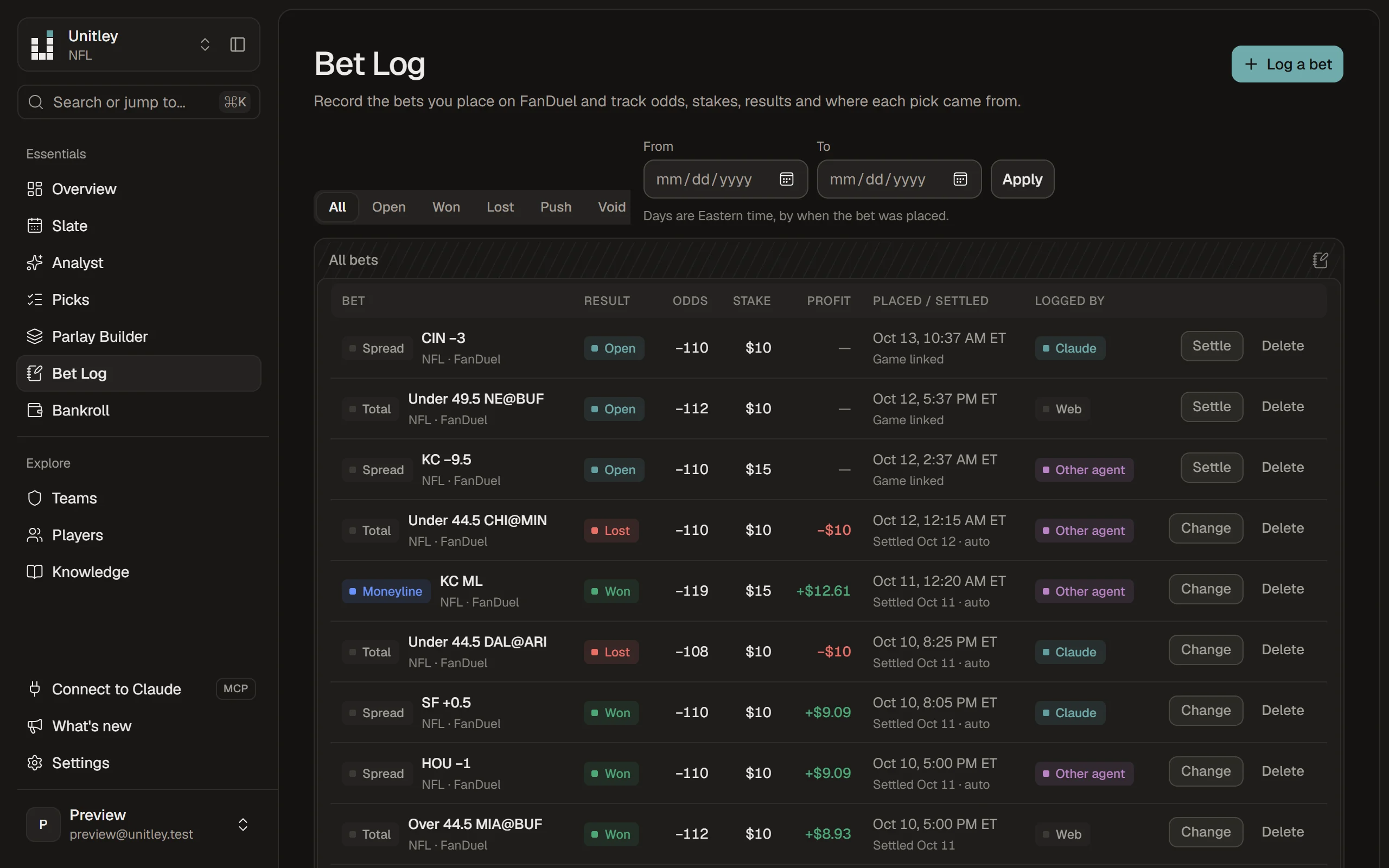
log_bet records a bet you placed as pending. Moneyline, spread and total bets on a game Unitley tracks settle themselves after the final score; settle_bet is for the rest.05The tools
All the toolsClaude sees the tools every other agent and the REST API see. Each one is in the docs, with its arguments.
Optional research powered by Jev from TypeSafe. With a Jev key saved in Settings, Claude can ask jev_classify set questions about text it already has, such as a page it read with fetch_allowed_source. The answers come back as unverified context, never as odds, and each call spends credit on your own TypeSafe key.
06Other apps
Cursor and Hermes connect the same way, with a token from the same page. Anything else that can send an HTTP request can use the REST API.
Add this to ~/.cursor/mcp.json for every project, or .cursor/mcp.json for one. Merge it into mcpServers if the file has one.
{
  "mcpServers": {
    "unitley": {
      "url": "https://console.unitley.com/api/mcp",
      "headers": {
        "Authorization": "Bearer YOUR_UNITLEY_TOKEN"
      }
    }
  }
}Put the token in Hermes's .env file and the server in config.yaml, using the variable name UNITLEY_TOKEN. Then run hermes mcp test unitley, and /reload-mcp in a running session.
UNITLEY_TOKEN=YOUR_UNITLEY_TOKENmcp_servers:
unitley:
url: "https://console.unitley.com/api/mcp"
headers:
Authorization: "Bearer ${UNITLEY_TOKEN}"claude.ai signs in to remote MCP servers with OAuth. Its option for a fixed header is a limited beta that shares one credential across a whole organization, so Unitley adds an OAuth sign-in for claude.ai at launch; until then, use Claude Code, Claude Desktop, Cursor or Hermes.
ChatGPT connects to remote MCP servers through an OAuth sign-in, not a pasted token. Unitley adds that sign-in at launch; until then, use Claude Code, Claude Desktop, Cursor or Hermes.
Building your own agent? The docs cover tokens and scopes, the MCP server and the REST API, every tool's arguments, errors and rate limits.
Create an account, make a token on the Connect page and paste one line into Claude Code. Analysis, never a guarantee.